
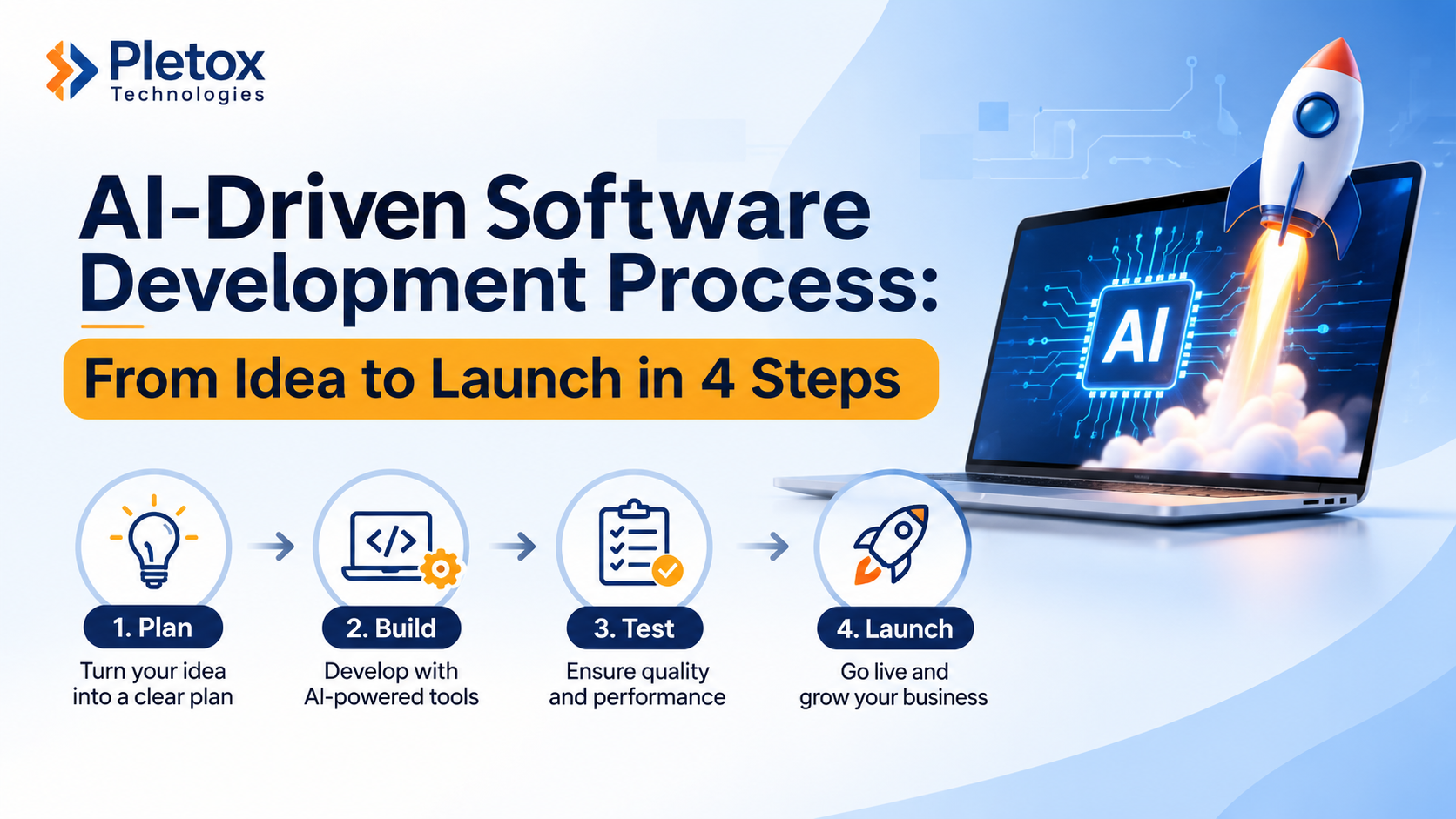
AI-Driven Software Development Process: From Idea to Launch in 4 Steps
Most software projects don't fail because of bad code. They struggle because nobody agreed what the software should do, who would use it, or how to know when it was finished.
A clear software development process fixes that. It turns a rough idea into something your team can use, in stages you can see and approve. This guide explains a simple four-step process, where AI helps along the way, and what you should expect at each stage. It comes from Pletox Technologies, a digital solutions company in Nashik that builds websites, business software and connected systems.
What is a software development process?
A software development process is the set of stages a team follows to take software from idea to a working product. It covers understanding the problem, agreeing the plan, building the first version, testing it and putting it into daily use.
The names of the stages vary between companies. What matters is that each stage has a clear output and a clear decision. At Pletox Technologies, we use four steps, which we also describe on our How We Work page: Talk, Plan, Build and Launch.
Step 1: Talk
Every project starts with a conversation about what you want to improve. You do not need a detailed specification or a technical document.
What helps most is showing us how the work happens today. That can be a spreadsheet, a WhatsApp group, a paper form, an existing website or a tool your team already uses. Real examples tell us far more than a long requirements list.
In this step we want to understand:
- Who uses the process, and who approves what
- Where work gets stuck, repeated or entered twice
- Which records, reports or documents matter
- What a successful first version would look like
Where AI helps: AI tools can help organise notes, summarise long documents and list questions to ask. They do not replace the conversation. A person still decides what matters to your business.
What you get: a shared understanding of the problem and a first view of what needs building.
Step 2: Plan
Planning turns the conversation into an agreement. We write down what will be built, the estimated cost and the timeline, so you know what is included before work starts.
A good plan includes:
- Scope of the first version. One useful process done well is better than ten half-finished ones.
- Users and roles. Who can see, create, approve or change each type of record.
- Data and connections. What information must be moved in, and which other tools the software must connect to.
- Ownership and support. Source-code ownership, hosting, licences and support terms, written into the proposal before work starts.
- A list for later. Good ideas that don't belong in the first version are listed with priorities, so nothing is lost.
Where AI helps: AI can speed up drafting of screens, test cases and documentation. Our team reviews every draft, and you review the plan before it is final.
What you get: a written plan you can approve, question or change.
If you are still deciding whether you need a new build at all, read our guide to custom software development and when it makes sense.
Step 3: Build
This is the stage most people picture, but it works best when it is not a black box. We show progress as we go. You try the software, share feedback and we make the agreed changes.
Regular reviews matter because people often spot problems only when they see real screens. A form may need an extra field. An approval may need a second reviewer. It is much cheaper to find that during the build than after launch.
During the build, we focus on:
- The core workflow first. The main path from request to approval to record.
- Permissions. Making sure people only see and change what they should.
- Realistic data. Testing with examples that look like your real work, not just dummy entries.
- Clear change handling. New requests are discussed, estimated and added to the plan, not squeezed in quietly.
Where AI helps: As explained on our How We Work page, Pletox Technologies uses AI-assisted engineering and reusable foundations where they fit. That can mean faster first drafts of code and tests. But our team reviews the design, code, permissions and settings, and people own the decisions. We also agree with you in advance which data and external AI services may be used.
What you get: a working version you have already tried, shaped by your feedback.
Step 4: Launch
Launch is more than switching the software on. Before go-live, we test the main scenarios, train your team and agree a support plan.
A careful launch usually includes:
- Testing. Checking the main workflows, user roles and error cases with realistic examples.
- Data checks. If records are moved in from spreadsheets or an old system, your team confirms the mapping and checks a trial import first.
- Training. Showing the people who will use the software how to do their daily work in it.
- Go-live and support. An agreed way to report problems and request changes after launch.
Software that nobody is trained on often goes unused, so training is a project step and not an afterthought.
Where AI helps: AI can help draft user guides and training material. We review them against the real screens, so they match what people actually see.
What you get: software your team can start using, with a clear path for support and future changes.
Common mistakes in the software development process
Whatever process you follow, these mistakes cause most trouble:
- Starting with a huge scope. Large first versions take longer and are harder to review.
- Skipping the people who will use it. The best requirements come from the people doing the work every day.
- Treating data as an afterthought. Messy spreadsheets create messy software. Plan data clean-up early.
- Leaving ownership unclear. Know who owns the code, the hosting and the access before work starts.
- Ignoring training. A system works only if people use it.
- Trusting AI output without review. AI can draft quickly, but a person must check the result.
Where AI fits, and where it does not
AI can make parts of the process faster: drafting, summarising, generating test ideas and spotting repeated patterns. That is useful, and it is why many teams now talk about AI-driven development.
But AI does not know your business rules, your customers or what a mistake would cost you. Fast output without review can mean fast mistakes. The safest approach is to use AI to speed up routine work while people stay responsible for decisions, security and quality.
Some software also uses AI inside the product, for example to read an invoice and suggest the supplier name and amount, with a person checking it before it is saved. Our AI and workflow automation service covers that, and not every workflow needs it. Fixed rules, reminders and approval routing often work well without an AI model.
The process in action
You can see this approach reflected in projects in our portfolio:
- PDE ERP: a manufacturing ERP connecting bills of materials, kit stock, production posting and quality inspection.
- TotalFinserv: a financial services CRM linking lead stages, document verification and customer follow-ups.
- Treeva Healthcare: a clinic website and management application for appointments, patient records and billing.
You can also read what our clients say on the customers page.
The same four steps for any project
The Talk, Plan, Build, Launch process works for more than custom applications. We use it for:
- High-performing websites. If you are weighing a quick AI-generated site against a planned one, read our comparison of an AI website vs a high-performing website.
- ERP systems that connect purchasing, stock, production and accounts
- CRM systems for enquiries, follow-ups and sales stages
- HRM implementation, including data preparation, attendance rules, payroll checks and training
Because one team at Pletox Technologies handles all of these, the parts of your business can be connected over time. To learn more about the company, visit our About page.
Frequently asked questions
What are the main steps in the software development process?
The main steps are understanding the problem, planning the scope, building and reviewing the software, and testing and launching it. At Pletox Technologies, we call these Talk, Plan, Build and Launch.
Do we need a detailed specification before starting?
No. Show us your current process, spreadsheets or tools and tell us what you want to improve. We help turn that into a clear plan.
How long does software development take?
It depends on the number of screens, rules and user roles, how much data must be moved, which systems must be connected and how quickly your team can review. We agree a realistic timeline in the plan.
How is AI used in software development?
AI can speed up drafting, testing and documentation. At Pletox Technologies, we use AI-assisted tools where they help, but our team reviews the work and people make the decisions.
Can we start small and add features later?
Yes. We recommend a small first version around one useful process, with later work listed separately.
Who owns the software after launch?
Source-code ownership, hosting, licences and support terms are set out in the proposal before work begins.
Start your project with Pletox Technologies
If you have an idea, a spreadsheet that has outgrown itself or a process that needs software, tell us where you are. Book a demo by filling in the short form on our website, and the Pletox Technologies team will get back to you.