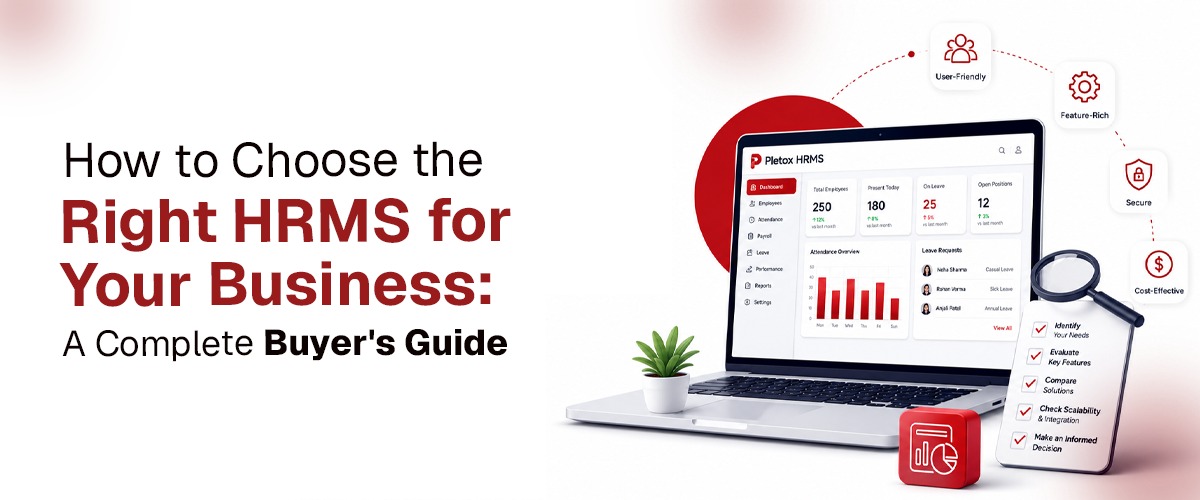
How to Choose the Right HRMS for Your Business: A Complete Buyer's Guide
Choosing an HRMS is a bigger decision than it looks. Get it wrong, and you're not just stuck with a subscription you don't use — you're dealing with payroll errors, employee frustration, and months of re-implementation work to fix it. Here's a practical framework for evaluating HR software, so you pick based on fit, not just a features list.
Step 1: Start With What's Actually Broken Today.
Before comparing platforms, get specific about your current pain points. Is it:
- Payroll taking days instead of hours, with manual reconciliation every cycle?
- Attendance and payroll living in separate systems that don't talk to each other?
- No visibility into field staff, multiple locations, or shift-based teams?
- HR spending more time fixing spreadsheet errors than managing people?
- No clear picture of performance, leave, or employee data in one place?
The right HRMS solves your specific bottleneck — not a generic list of features you'll never use.
Step 2: Map Your Must-Have Modules
Most businesses need some combination of:
- Core HR and employee management — employee records, onboarding, documentation
- Attendance — shift handling, biometric or GPS-based check-ins, leave tracking
- Payroll — salary processing, statutory compliance (PF, ESI, PT, TDS), payslips
- Recruitment and onboarding — job postings, candidate tracking, offer letters
- Performance management — goals, reviews, appraisals
- Field and task tracking — worklogs, visit tracking, location/GPS visibility for field teams
- Asset management — equipment and inventory tied to employees
Not every business needs all of these on day one — but choosing a platform that can grow into them later saves you a painful migration in a year or two.
Step 3: Check How Connected the System Actually Is
This is the part most buyers underweight. A platform can have every module on paper and still leave you doing manual work if those modules don't talk to each other. Ask specifically:
- Does attendance data flow directly into payroll, or do you still export and re-import?
- Do leave approvals automatically reflect in payable days?
- Can HR see attendance, performance, and payroll for one employee in a single view — or across three different screens?
A "complete" HRMS with disconnected modules often creates as much manual work as no HRMS at all.
Step 4: Evaluate for Your Industry, Not Just Your Headcount
A retail business, a hospital, and a manufacturing plant all have very different attendance and payroll needs, even at the same employee count. Look for:
- Shift-based industries (manufacturing, healthcare, hospitality): shift-aware attendance, grace periods, late-mark rules, overtime and compensatory-off handling
- Field-heavy businesses (sales, logistics, service): location tracking, visit logs, task management
- Office-based teams: leave management, performance reviews, employee self-service
Generic HRMS platforms often handle standard office attendance well but need heavy customisation for shift-based or field-heavy operations.
Step 5: Understand the Real Cost — Not Just the Sticker Price
Published per-user pricing rarely tells the whole story. Ask about:
- Setup and implementation fees
- Costs for add-on modules (performance management, recruitment, etc. are sometimes priced separately)
- Whether customisation for your specific policies is included or billed extra
- Support model — is it included, or a paid tier?
The cheapest plan on paper isn't always the cheapest system once you're actually running it.
Step 6: Test Implementation and Support Before You Commit
A good demo shows you features. It doesn't show you how implementation actually goes. Before signing, ask:
- How long does setup typically take for a business your size?
- Who handles data migration from your current system or spreadsheets?
- What does ongoing support look like after go-live — email tickets, or a dedicated point of contact?
A Quick Checklist Before You Decide
- Does it solve your actual current bottleneck, not just add features?
- Are the modules genuinely connected, not just bundled?
- Does it handle your industry's specific attendance/shift patterns?
- Is pricing transparent, including setup and customisation costs?
- Does implementation support match your team's technical comfort level?
- Can it scale with you as you add employees or locations?
How Pletox Fits This Framework
Pletox was built around this exact philosophy — one connected platform covering HR, attendance, payroll, recruitment, performance, field tracking, and asset management, with attendance data flowing directly into payroll rather than sitting in disconnected modules. Implementation includes setup support and customisation to your specific policies, so the system adapts to how your business runs — not the other way around.
See It Against Your Own Checklist
The best way to know if any HRMS is right for you is to walk through your actual policies with it — not a generic feature demo.