Blog Articles / Payroll Migration: Spreadsheets to HR Software | Pletox
Payroll Migration: Spreadsheets to HR Software | Pletox
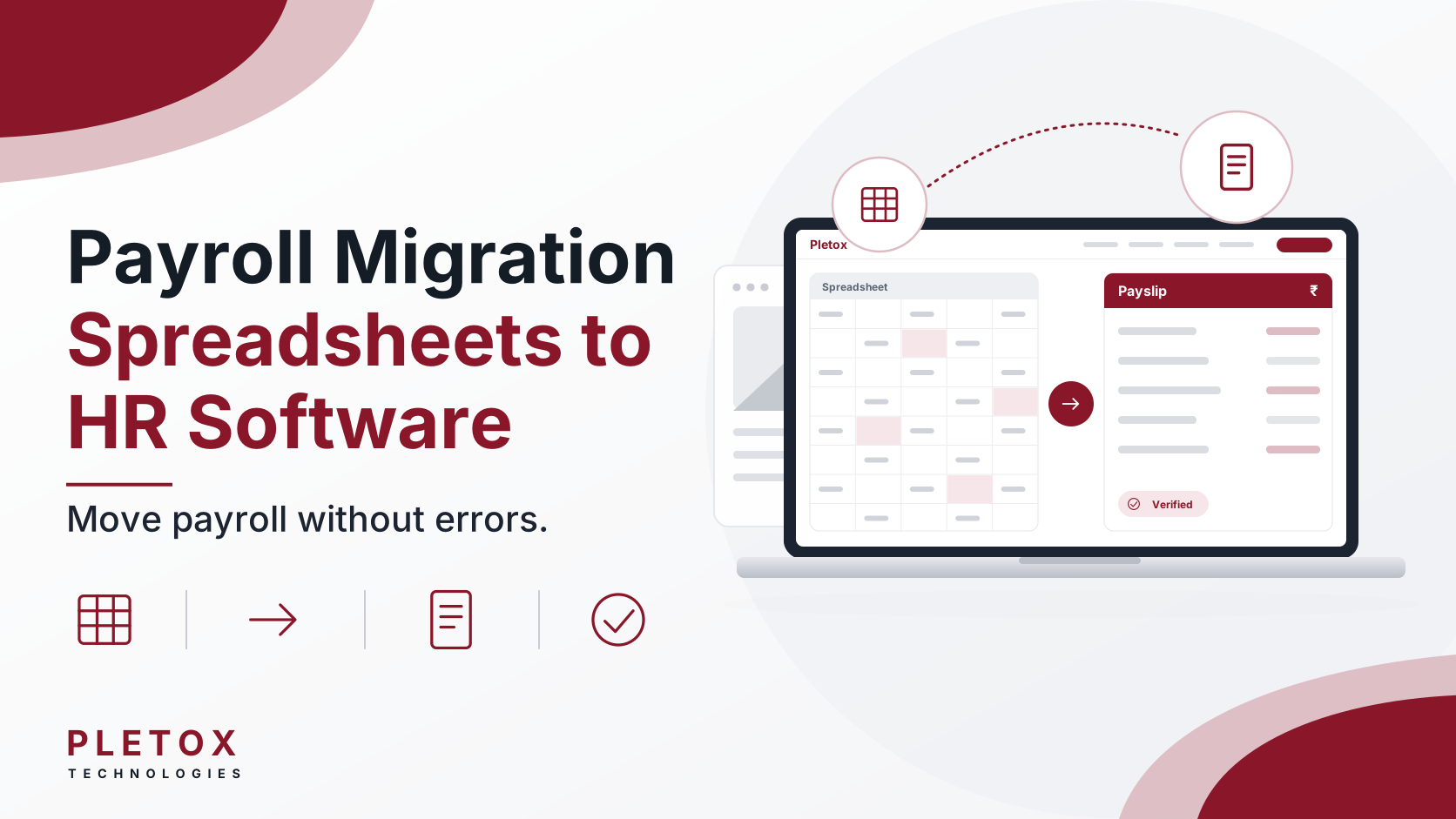
Payroll Migration: Moving from Spreadsheets to HR Software Without Errors
For many growing businesses, payroll lives in a spreadsheet. It starts as one simple file. Over the years it grows into several versions, formulas nobody dares to touch, and one person who knows how it all works. Then someone leaves, a rule changes, or a payslip goes out wrong, and the question comes up: should we move to HR software?
The move is worth making, but it needs care. Payroll is the one area where employees notice every mistake. This guide explains what payroll migration really involves, how to prepare, and how to switch from spreadsheets to HR software without errors. It comes from Pletox Technologies, the team behind the Pletox HRM platform for attendance, leave and payroll.
Signs your spreadsheet payroll has reached its limit
- Several versions of the file exist. Nobody is sure which one is final.
- Attendance is counted by hand. Days are totalled from registers or chat messages before salary is calculated.
- Formulas break quietly. A copied row or a changed cell leads to a wrong amount that nobody notices.
- Late changes cause chaos. A joiner, a leaver or a corrected punch means recalculating everything.
- One person holds the knowledge. If they are absent, payroll stops.
- Payslips take too long. Creating and sending them each month eats days.
- There is no clear record. It is hard to show who changed what, and when.
What payroll migration actually means
Payroll migration is not only moving a file. It means moving the information payroll depends on into a new system and checking that it produces the same correct results. That usually includes:
- Employee records: names, IDs, joining dates, designations, departments and bank details.
- Salary structures: basic pay, allowances and deductions for each group of staff.
- Payroll rules: pay periods, proration, overtime, holidays and weekly offs.
- Leave balances: what each person has available.
- Loans, advances and held amounts: anything that carries over between months.
- Attendance inputs: how presence will be recorded going forward.
Historical payroll data is a separate decision. You may not need every old month in the new system, so decide early what you want to bring over and what you will archive.
Before you start: an eight-point checklist
- Name an owner and a checker. One person leads the migration, and another independently verifies the figures.
- Freeze a clean employee list. Agree who is on payroll today, including joiners and leavers.
- Collect every salary structure. List components, allowances and deductions for each staff category.
- Write down your payroll rules. Pay period, how partial months are handled, overtime policy, holidays and weekly offs.
- Gather loans, advances and held salaries. Note balances and repayment schedules.
- Confirm your statutory details. Which deductions and contributions apply depends on your business, so confirm them with your advisor.
- Decide how attendance will be captured. Biometric, kiosk, phone or a mix.
- Pick a go-live date that starts a pay period. Switching in the middle of a month makes comparison harder.
Clean your data before you move it
Spreadsheets hide small errors that software exposes. Fix these before importing:
- Duplicate or misspelled names that make one person look like two.
- Inconsistent employee IDs across attendance and salary sheets.
- Wrong or missing joining dates, which affect proration.
- Missing bank details.
- Salary components with different names in different sheets, such as "HRA", "House Rent" and "H.R.A."
An hour of cleaning before import saves many hours of correction afterwards.
Map your salary rules carefully
This is where most errors are born. For each staff group, write down:
- Which components are fixed and which vary
- Which allowances apply and who is eligible
- Which deductions apply, and under what conditions
- How partial months and unpaid leave affect pay
- How overtime is approved and paid
New wage rules under India's Labour Codes may affect how salary structures are set up, so a migration is a good moment to review your structure with your advisor.
Run a trial before you go live
The best protection against errors is a payroll trial. Here is how to do it well:
- Choose a representative trial group. Include different cases: a new joiner, a leaver, someone with overtime, someone with a loan, someone with unpaid leave.
- Prepare the expected figures. Your payroll team works out what each person should receive, using your current method.
- Run the same people through the new system.
- Compare line by line. Look at each component, not just the final amount.
- Resolve every difference. A difference means either a rule is set up wrongly or the old calculation was wrong. Find out which.
- Sign off in writing. Agree that the trial is accurate before moving on.
After the trial, run one full month in parallel: process payroll in the new system while keeping the spreadsheet as a check. It takes extra effort once, and gives you confidence from then on.
Connect attendance and leave properly
Payroll is only as accurate as the attendance behind it. Before go-live:
- Check that staff identifiers match between your attendance devices and your employee records.
- Review sample attendance records for unusual cases, such as missed punches or night shifts.
- Decide how corrections are made and approved.
- Set a cut-off for the attendance period, so numbers stop changing once payroll begins.
- Make sure approved leave and overtime flow into payroll.
Your first live month
On your first live month, follow a fixed routine:
- Close the attendance period.
- Review attendance inputs and approved overtime.
- Check the employee calculations against your trial rules.
- Finalise payroll only after the review.
- Release payslips to staff.
- Keep your old spreadsheet as an archive, not as the working file.
Mistakes that cause payroll errors during migration
- Importing dirty data. Garbage in, garbage out.
- Switching mid-month. It makes comparisons and corrections harder.
- Skipping the parallel run. It feels slow, but it is your safety net.
- Assuming history moves by itself. Decide what historical data you need and plan it.
- Changing rules during the migration. Move first, change later.
- Training staff too late. Employees need to know where to find their payslips and how to raise a query.
- No sign-off. If nobody formally approves the trial, problems surface after payday.
How Pletox helps with payroll migration
Pletox supports the move in two ways: the platform itself, and hands-on help to set it up.
Hands-on help from the Pletox team. Pletox can help prepare your employee records, attendance rules and payroll inputs. For payroll, your team supplies the salary rules and expected figures for a trial group, and we check the setup together. We trial representative records and resolve differences before sign-off. Historical attendance, payroll, documents and integrations are scoped separately, depending on the data you have and the migration you need. To plan your move, talk to our team.
Payroll features in the platform. Pletox payroll software lets you set up salary components, custom pay periods, proration, allowances, deductions and review steps. It supports multiple salary structures, loans and advances, and branded payslips, and it combines attendance, earnings, deductions and statutory components into payroll reports. You control payroll finalisation before payslips are released, and staff can view and download their own payslips. Salary reports can be exported to Excel or PDF.
Attendance that feeds payroll. Time and attendance brings shifts, leave, corrections and approved overtime together before payroll cut-off, with biometric, selfie and location, and kiosk options.
Employee records in one place. HR and employee management keeps records and documents organised, so payroll starts from clean data.
Plans differ in which payroll tools they include, so see our pricing page for details.
Keep reading
- How Anand Agro set up customised payroll and attendance with Pletox
- The future of HRM software: what's coming next
- Best HRM software in Nashik: how Pletox helps businesses manage their workforce
You can see other businesses that use Pletox on our customers page. To learn about the company, visit our About page.
Frequently asked questions
What is payroll migration?
It is the process of moving your payroll from spreadsheets or an old system into new HR software: employee records, salary structures, payroll rules, leave balances and attendance inputs, followed by a check that the new system gives the same correct results.
How does Pletox help us move payroll from spreadsheets?
Pletox's implementation team prepares your employee records, attendance rules and payroll inputs, and runs a payroll trial with your payroll team. Your team supplies the salary rules and expected figures, and we compare the results and resolve differences before sign-off.
Can Pletox handle our own salary structures?
Yes. Pletox supports multiple salary structures, custom pay periods, proration, allowances and deductions, so you can set up different rules for different staff groups.
Do you move our historical payroll data too?
Historical attendance, payroll, documents and integrations are scoped separately, depending on the data you have and what you need. Our team discusses this with you during planning.
How do we make sure there are no errors?
We recommend a trial with a representative group, followed by a parallel month. In the trial, Pletox and your payroll team compare each salary component line by line, and nothing goes live until the figures are signed off.
Does attendance flow into payroll in Pletox?
Yes. Pletox connects attendance, shifts, leave, corrections and approved overtime with payroll inputs, and you review them before payroll is finalised.
Can employees see their own payslips?
Yes. Employees can view and download their payslips from their own profile in Pletox.
Does Pletox offer a free trial?
Yes. Pletox offers a 7-day free trial, so you can explore attendance and payroll before deciding.
How do I get started?
Book a demo and tell us how you run payroll today. We will show you how Pletox can fit, and what a migration would involve for your business.
Book a demo with Pletox
If your payroll still runs on spreadsheets and you want to move without risking errors, let's plan it together. Book a demo by filling in the short form on our website, and the Pletox team will get back to you.