Blog Articles / Client Site Attendance Management for Staff | Pletox
Client Site Attendance Management for Staff | Pletox
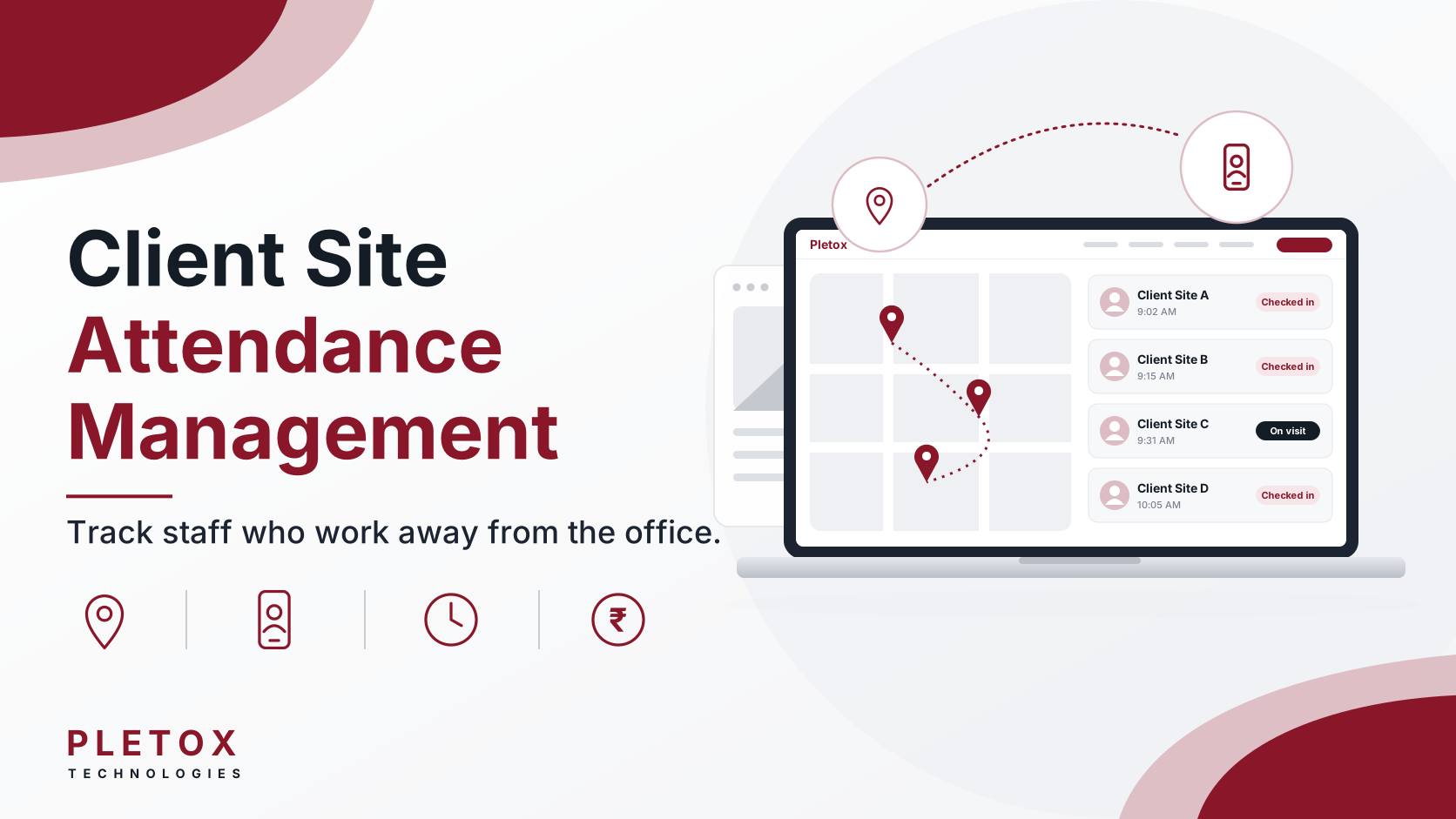
Managing Attendance for Staff Who Work at Client Sites: A Practical Guide
When your team sits in one office, attendance is simple. When people work at client sites, customer locations or project sites, a paper register or a single punch machine stops working. Managers get late messages, employees post photos in a group, and HR spends the last days of the month trying to match hours with pay.
This guide explains how to manage attendance for employees who work away from your office, which methods to use, how to set it up step by step and how to keep the process fair. It comes from Pletox Technologies, the team behind the Pletox HRM platform for attendance, payroll and field workforce management.
Why client-site attendance is hard
Off-site attendance goes wrong for predictable reasons:
- No single place to punch. Staff are spread across several client locations, so one device cannot cover them.
- Records arrive late. Hours are sent by message at the end of the day, or the week, and typed in by someone else.
- Location is unclear. HR cannot tell whether a person was at the right site at the right time.
- Disputes at month end. Late marks, half days and overtime are argued about after the fact.
- Client billing needs proof. If you bill clients by hours or days, you need records you can stand behind.
What to record for staff at client sites
You do not need to track everything. Most businesses only need five things:
- Who worked.
- Where they worked, meaning which client or site.
- When they started and finished.
- What they did, such as a visit, a task or a worklog.
- Who approved any correction or overtime.
If your system captures these five, payroll and client billing become much easier.
Four ways to capture attendance away from the office
1. Selfie and location attendance from a phone. Employees mark attendance on the mobile app with a selfie and their location. It needs no hardware at the client site, so it suits individuals and small teams.
2. Biometric devices at a larger site. If a group works at one client location every day, a biometric device or self-service kiosk there can work well. It needs a place to install it and an agreement with the client.
3. Check-in and check-out for visits. For staff who visit several clients in a day, a check-in at each stop gives a visit record, not just a start and end time.
4. Manual entry with approval. Sometimes a punch is missed. A correction request that a manager approves is better than a message in a chat group, because the record shows who approved it and when.
Many businesses use a mix: biometric for fixed sites, phone attendance for mobile staff, and approved corrections for exceptions.
How to set up client-site attendance in eight steps
- List your sites and staff. Note who works where, and which people move between locations.
- Choose a method for each group. Fixed-site teams, visiting staff and part-time staff may need different methods.
- Set shifts and working hours. Decide start times, grace periods, half-day rules and overtime rules before you start recording.
- Agree location permissions and privacy. Decide what is recorded, when, and who can see it. Tell employees plainly.
- Define a visit and a worklog. Decide what staff record at a site: a check-in, a short note, a task or a report.
- Set up corrections and approvals. Decide who can approve a missed punch, a late arrival or overtime.
- Connect attendance to payroll. Make sure hours, leave and overtime flow into salary calculation without retyping.
- Start with one site. Run a pilot for a month, review the problems and then roll it out to the others.
Handling common problems
- Missed punch: use a correction request with manager approval, so the change is visible.
- Wrong location or wrong site: review the location record and clear it with the employee before payroll.
- Buddy punching: selfie checks and location records help reduce it, and fixed rules about who can approve corrections reduce it further.
- Late arrivals at client sites: separate travel time from lateness in your policy, so employees know what counts.
- Overtime disputes: require approval before overtime, and record it in the system.
- Client billing hours: use timesheet reports by project or client, so billing and attendance come from the same record.
Keep employee trust: be clear about location tracking
Location records are sensitive. A fair approach is:
- Tell employees what is recorded and why, in writing.
- Record location for attendance and visits during working hours, not around the clock.
- Limit who can view the records.
- Keep the policy short and consistent for everyone.
Privacy and employment rules can apply to how you collect and use this data, so confirm your policy with your own advisor.
From attendance to payroll
Attendance only matters if it reaches salary correctly. When attendance, overtime and leave feed directly into payroll software, HR does not need to rebuild the hours in a spreadsheet at month end. Timesheet reports with staff summaries, project reports and overtime and leave details also help when you need to check hours before billing a client.
How Pletox helps with client-site attendance
The Pletox HRM platform is built for teams that are not all in one office. Here are the tools that matter most for off-site staff:
- Time and attendance: punch, selfie, location or biometric attendance, plus shifts, overtime, late check-ins, early clock-outs, holidays and kiosk support.
- Worklogs and field activity: visits, daily work logs and field activity, so you can see what was done at each site.
- Location tracking with Pletox Geo: location visibility for field teams.
- Self-service kiosk: contactless attendance at a fixed site.
- HR and employee management: employee records organised by location, department and reporting manager.
- Payroll and expenses: salary, reimbursements and payroll operations connected to attendance.
Plans differ in which tools they include, so see our pricing page for details. If you want help moving from registers or spreadsheets, our team can also set it up through HRM implementation, including employee data, attendance rules and training.
Industries where off-site attendance matters most
- Real estate: site visits, sales teams and project staff who work away from the office.
- Logistics: drivers, loaders and teams working across routes and locations.
- Manufacturing: supervisors and engineers who move between plants, warehouses and vendor sites.
Keep reading
- How to manage a multi-location factory workforce with one HRMS
- Best HRM software in Nashik: how Pletox helps businesses manage their workforce
- The future of HRM software: what's coming next
To see more businesses that use Pletox, visit our customers page. To learn about the company, see our About page.
Frequently asked questions
How can we track attendance for employees who work at client sites?
With Pletox, employees can mark attendance from their phones using a selfie and location, or through biometric devices and kiosks where a device is installed. Your admin chooses which method each team uses, so office staff, fixed-site teams and visiting staff can each work in the way that suits them.
Can Pletox record visits to client locations?
Yes. Pletox's worklogs and field activity tools record visits, check-ins, check-outs and daily activity logs, so managers can see what was done at each client site. Our location tracking tool, Pletox Geo, adds location visibility for field teams.
Does attendance data from client sites go into payroll?
Yes. In Pletox, attendance, overtime and leave data connect to payroll, so HR does not need to retype hours into a spreadsheet. We still recommend reviewing a payroll trial run before your first live month.
What happens if an employee forgets to punch in at a client site?
We recommend setting up a correction process with manager approval, so every change has a visible record. Pletox supports request and approval workflows, and our team helps you agree who approves what during setup.
Can we manage office staff and field staff in the same system?
Yes. Pletox lets you organise employee records by location, department, designation and reporting manager, and then enable the attendance and work workflows that suit each team.
Is employee location tracking acceptable?
It depends on how it is done. Pletox helps you agree attendance methods and location permissions during setup, and we recommend telling employees clearly what is recorded and why. Pletox Technologies does not give legal advice, so please confirm your policy with your own advisor.
Does Pletox offer a free trial?
Yes. Pletox offers a 7-day free trial, so you can test attendance and field tracking with your own team before deciding.
How do I get started with Pletox attendance software? Book a demo and tell us about your sites and teams. We will show you how attendance, visits and payroll can work together for your business.
Book a demo with Pletox
If your staff work at client sites and attendance is still on registers, messages or spreadsheets, let's look at your setup together. Book a demo by filling in the short form on our website, and the Pletox team will get back to you.