Blog Articles / HR Software for Hotels and Restaurants | Pletox
HR Software for Hotels and Restaurants | Pletox
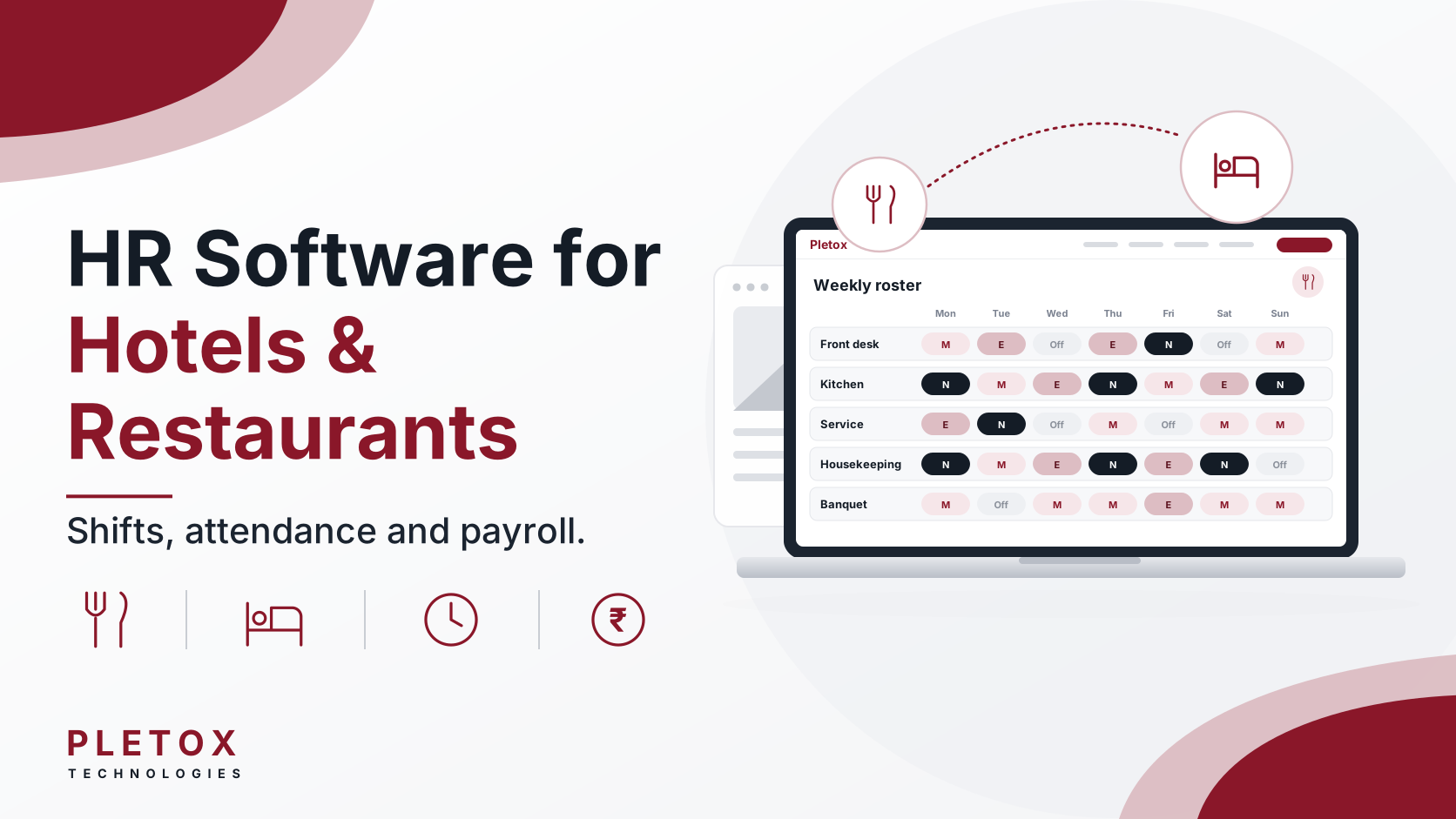
HR Software for Hotels and Restaurants: Shifts, Attendance and Payroll
It is Saturday evening. The dining room is full, a wedding banquet starts at eight, and two of tonight's cooks are on a double duty that began at breakfast. The front desk is changing shift, a housekeeping supervisor wants to know who is off tomorrow, and the owner is wondering how much overtime the weekend will cost.
Every hotel and restaurant has evenings like this. This guide walks through the situations that make hospitality HR hard, and shows how Pletox, the HRM and payroll platform from Pletox Technologies, handles each one.
Department by department: who works when
Each team in a hospitality business has its own rhythm:
- Front desk: fixed shifts with a handover between them, often through the night.
- Housekeeping: early starts, room targets and weekly offs that rotate.
- Kitchen: long hours, prep before service and clean-up after it.
- Food and beverage service: peak-time shifts, weekends and split duties.
- Banquet and events: irregular hours and extra staff when a booking comes in.
- Security and maintenance: round-the-clock cover.
One attendance rule for all of them will not work. Pletox lets you set up shifts, weekly offs and salary structures for each group, inside one system. You can see the modules on our HR and employee management and time and attendance pages.
Seven situations, and how Pletox handles them
1. The breakfast-to-dinner split duty
A server works the morning breakfast service, goes off, and returns for dinner. A basic register shows two punches and a lot of confusion.
In Pletox, shifts are defined per department, and attendance is recorded against the assigned shift. Because every property splits duties differently, our team agrees with you how split patterns are set up, and we recommend testing them against sample days before going live.
2. The wedding banquet with extra hands
A big booking means ten temporary staff for one evening. They need to be recorded, tracked and paid, then forgotten until the next event.
Pletox includes contract workforce management and hiring and onboarding, so event staff can be added with their details and attendance recorded alongside permanent teams.
3. The Saturday rush and overtime
Weekends bring extra hours. Without a process, overtime is either forgotten or argued about at month end.
Pletox runs an overtime approval flow. A manager approves extra hours first, and only approved overtime reaches salary. See payroll and expenses.
4. A cook who works at two outlets
When one person covers two restaurants, whose attendance is it, and who pays for the hours?
Pletox lets you organise employees by location, department and reporting manager. Staff can mark attendance from their phone with a selfie and location, which helps when someone moves between outlets or goes off-site for catering.
5. The night shift that ends after midnight
A kitchen clean-up that finishes at 1 a.m. belongs to yesterday's shift, not today's. Systems that cut the day at midnight split the hours wrongly.
We recommend checking overnight shifts against sample days during setup, so every hour lands on the right day. Pletox measures late marks and early exits against the shift a person was actually assigned.
6. The festival season hiring surge
Before Diwali, a wedding season or a holiday week, you need to hire quickly, and new people need their records and documents kept straight.
With Pletox, new joiners go through an onboarding workflow, with their profile and documents stored in one place from the first day.
7. The month-end "how much is my salary?" questions
Staff ask the same questions every month: how many days, how much overtime, where is my payslip?
In Pletox, employees check their own attendance, leave and payslips in the web or mobile app, so managers spend less time answering during a busy service.
What Pletox handles in the background
Behind those situations, Pletox does the connecting work:
- Rosters and weekly offs. Shift patterns and rest days are set once and apply to the roster.
- Attendance methods. A self-service kiosk or biometric device at the staff entrance, and phone attendance for everyone else.
- Corrections with approval. A missed punch becomes a request a supervisor reviews, so there is a record.
- Period locks. When the attendance period is closed, the numbers stop changing before payroll.
- Payroll rules. Multiple salary structures, allowances based on approved shifts, bonuses and incentives, loans, advances, reimbursements and branded payslips, all reviewed before payroll is finalised.
If you share a service charge or tips with staff, our team reviews your sharing rules and agrees how to set them up. Statutory deductions and wage rules vary, so confirm yours with your own advisor.
Who sees what: managers and owners
In a multi-outlet business, an outlet manager should see their own team, while the owner and HR see everything. Pletox uses role-based access to control this, with an organisation chart showing departments and reporting lines.
Small restaurant or large hotel group?
The plan you need depends on how you work. HRM Starter suits a small team moving from spreadsheets, with mobile attendance, shifts, leave and general payroll. HRM Growth adds biometric attendance, kiosks, overtime approval and compliance settings, which suits busier properties. HRM Professional adds advanced payroll policies and custom workflows. You can try Pletox free for 7 days, and the pricing page shows what each plan includes.
A four-week plan to move your property
Week 1: Collect. List your departments, outlets, shift patterns and current salary rules. Gather staff details and documents.
Week 2: Set up. Enter shifts, weekly offs, leave rules and salary structures. Choose attendance methods for each area.
Week 3: Test. Run a small group through attendance and a trial payroll. Compare with your current method.
Week 4: Go live. Start with the next pay period. Train supervisors on approvals and corrections.
Our team can go through this with you in a demo, using your own rosters as examples.
Beyond staff management
Pletox Technologies also builds websites and software for hospitality businesses. If you need a booking website or an ordering portal, see our high-performing websites and custom software development services, or browse our portfolio. You can read more about how Pletox supports your industry on our hospitality page, and see the businesses we work with on our customers page.
Keep reading
- Why manufacturing companies need a specialised HRMS for shift-based workforce management
- How to manage a multi-location workforce with one HRMS
- Best HRM software in Nashik: how Pletox helps businesses manage their workforce
To learn about the company, visit our About page.
Frequently asked questions
How does Pletox help a restaurant manage staff shifts?
Pletox lets you set up shifts and weekly offs for each team, record attendance against them and send approved hours to payroll. See the time and attendance features, or book a demo to see your own rota.
Can a small restaurant use Pletox?
Yes. HRM Starter is designed for teams moving from spreadsheets to a structured system, with employee records, mobile attendance, shifts, leave and general payroll. See the pricing page.
Can staff punch in without a machine?
Yes. Pletox supports mobile attendance with selfie and location, as well as biometric devices and a self-service kiosk where you want a fixed punch point.
How does Pletox handle banquet and event staff?
Pletox includes contract workforce management and hiring and onboarding, so temporary staff can be recorded and tracked. Because event pay varies between properties, our team agrees how to set yours up in a demo.
Can each outlet manager see only their own team?
Yes. Pletox lets you organise employees by location and department and uses role-based access, so managers see what you allow. See HR and employee management.
What about overtime in busy weeks?
Pletox runs an overtime approval flow, so a manager approves extra hours before they reach salary in payroll.
Can Pletox share service charge or tips with staff?
Sharing rules differ between properties. Our team reviews yours and agrees how to configure them in payroll. Book a demo to talk it through.
Can staff see their own attendance and payslips?
Yes. Employees can check attendance, apply for leave and download payslips in the web or mobile app.
Does Pletox offer a free trial?
Yes. Pletox offers a 7-day free trial, so you can test shifts, attendance and payroll with your own staff data. Start from the pricing page.
Does Pletox help with websites for hotels and restaurants too?
Yes. Pletox Technologies builds business websites and custom software. See our high-performing websites service.
If your hotel or restaurant still runs rosters in chat groups and salary in spreadsheets, let's look at your setup together. Book a demo by filling in the short form on our website, and the Pletox team will get back to you.